
Bajorat Media
n8n, Make or a custom integration: which automation solution fits your company?
Make, n8n or custom integration? A decision guide for companies connecting workflows, websites, CRM, shops or specialist systems.
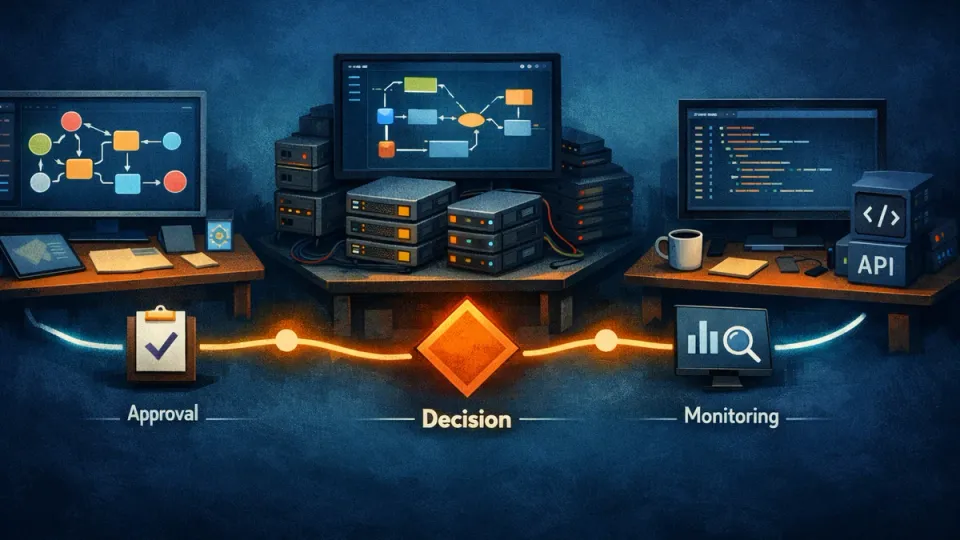
n8n vs Make is the wrong first question for many companies. The better question is: Which process should be automated, which systems need to be connected and how much control, operational reliability and flexibility does the workflow need in the long term? Make, n8n and custom integrations can all be useful. They solve different problems.
This comparison helps companies, marketing and sales teams as well as technical decision-makers choose the right automation solution. It is not about tool loyalty, but about a resilient architecture for website, CRM, shop, ERP, support, reporting and internal processes.
Why tool selection comes after process analysis
Automation projects rarely fail because a specific tool is missing. More often, the basics are unclear: Which data starts the workflow? Which systems are involved? Which errors may occur? Who approves results? What should run automatically and what should not?
Before deciding between Make, n8n or a custom integration, at least these points should be clear:
- Trigger: form, email, webhook, file, schedule, shop event or manual approval
- Inputs: fields, documents, customer data, product data, campaign values, status information
- Target systems: CRM, ERP, project management, newsletter, shop, database, Google Workspace, Microsoft 365
- Business logic: conditions, filters, mappings, approvals, exceptions
- Risks: data loss, duplicate entries, wrong assignment, unwanted communication
- Operation: monitoring, error handling, responsibility, documentation and adaptation
For the upstream selection of suitable processes, the foundational article AI automation for SMEs: which processes are really worth it? is useful. The tool decision becomes much easier once the process has been clearly described.
When Make is useful
Make is strong when companies want to quickly build visual workflows between known SaaS services. The platform relies on a graphical builder, a large library of ready-made integrations and no-code building blocks for custom connections. For many marketing, sales and office processes, this is a useful entry point because first workflows can be implemented without development effort.
Typical Make scenarios include:
- sending contact form data to CRM and email notifications
- structuring new leads from campaign sources
- coordinating social media or content processes
- connecting Google Sheets, Airtable, Notion, CRM or newsletter tools
- building simple approval or reminder workflows
- periodically retrieving and forwarding data from standard apps
Make is especially suitable for teams that do not want to operate much infrastructure themselves. The visual builder makes processes understandable, many standard integrations are quickly available and prototypes can be tested without classic software development.
Advantages of Make
- fast start for standard processes
- many integrations and templates
- visual representation of workflows
- well suited to marketing, sales, office and simple operations processes
- low technical entry barrier
- useful for MVPs and early validation
Limits of Make
Make becomes harder when workflows are highly individual, high-volume, security-critical or deeply integrated into proprietary systems over the long term. Error handling, processing order, data storage and cost model should also be checked early.
The Make help page on webhooks shows, for example, that webhooks can trigger immediate or scheduled processing, that parallel and sequential processing differ and that queue and rate-limit questions become relevant in operation. These are not exclusion criteria, but they show that no-code automation also needs a well-considered operating concept.
Make fits well when speed matters more than maximum technical control and when the workflow mainly consists of standard apps.
When n8n is useful
n8n is interesting for companies that want to combine visual workflow automation with more technical control. According to the n8n documentation on workflows, a workflow consists of connected nodes that automate a process. Debugging through executions, templates, credential management, API capabilities and various hosting options are part of the ecosystem.
Compared with Make, n8n often feels closer to classic development for technical teams. Workflows can be built visually, but there is more room for custom logic, API calls, code steps, self-hosted environments and individual operating models.
Typical n8n scenarios include:
- processing webhooks from a website, shop or specialist system
- connecting APIs without a ready-made standard integration
- mapping multi-step data logic
- combining AI evaluation with custom validation
- running workflows on own infrastructure
- connecting internal tools, databases and external services
- controlling recurring imports, exports and status synchronizations
The n8n documentation on server setups lists self-hosting variants such as Docker Compose, Cloud Run setups and Kubernetes starting points. This makes n8n interesting for companies that want stronger control over hosting, data flows or access.
Advantages of n8n
- more flexible than many classic no-code tools
- self-hosting possible
- strong fit for API- and webhook-heavy workflows
- code and data logic closer to development
- suitable for technical agencies and internal development teams
- better foundation for hybrid architectures
Limits of n8n
n8n is not automatically simpler. Anyone who self-hosts is responsible for updates, security, backups, monitoring, scaling and access control. Visual workflows can also become confusing if they grow without structure.
n8n fits well when a company needs more control, has technical support available and workflows go beyond simple SaaS connections.
When a custom integration is the better solution
Custom integrations or individually developed services are useful when the process is critical in the long term, heavily customized or technically demanding. This applies especially to systems where data quality, stability and error prevention matter more than a fast visual setup.
A custom integration is often worthwhile for:
- specialist systems without good standard integrations
- complex data models and business rules
- high transaction volume
- strict requirements for permissions, logging and data handling
- deep integrations into website, shop, CRM or ERP
- recurring API limits, exceptions or performance problems
- processes that need to remain viable for several years
Custom development does not mean everything must be built from scratch. Often, a small service is enough to handle critical logic: validation, authentication, data mapping, error handling, queue, webhook signature verification or an API endpoint between two systems.
For website and shop projects, this is especially relevant when automation connects with WordPress development, WooCommerce or custom backend processes. A form, checkout, customer portal or product data process should not only work in a workflow tool, but also remain operationally robust.
Decision table: Make, n8n or custom integration?
The following table condenses typical requirements. It does not replace a technical analysis, but it helps with first classification.
| Requirement | Make | n8n | Custom integration |
|---|---|---|---|
| Fast start | very good | good | medium |
| Connecting standard SaaS | very good | good | depends on effort |
| Custom API logic | medium | good | very good |
| Self-hosting | not intended | good | very good |
| Complex business rules | medium | good | very good |
| Data and access control | medium | high | very high |
| Long-term scaling | medium | good | very good |
| Maintenance effort | low to medium | medium | medium to high |
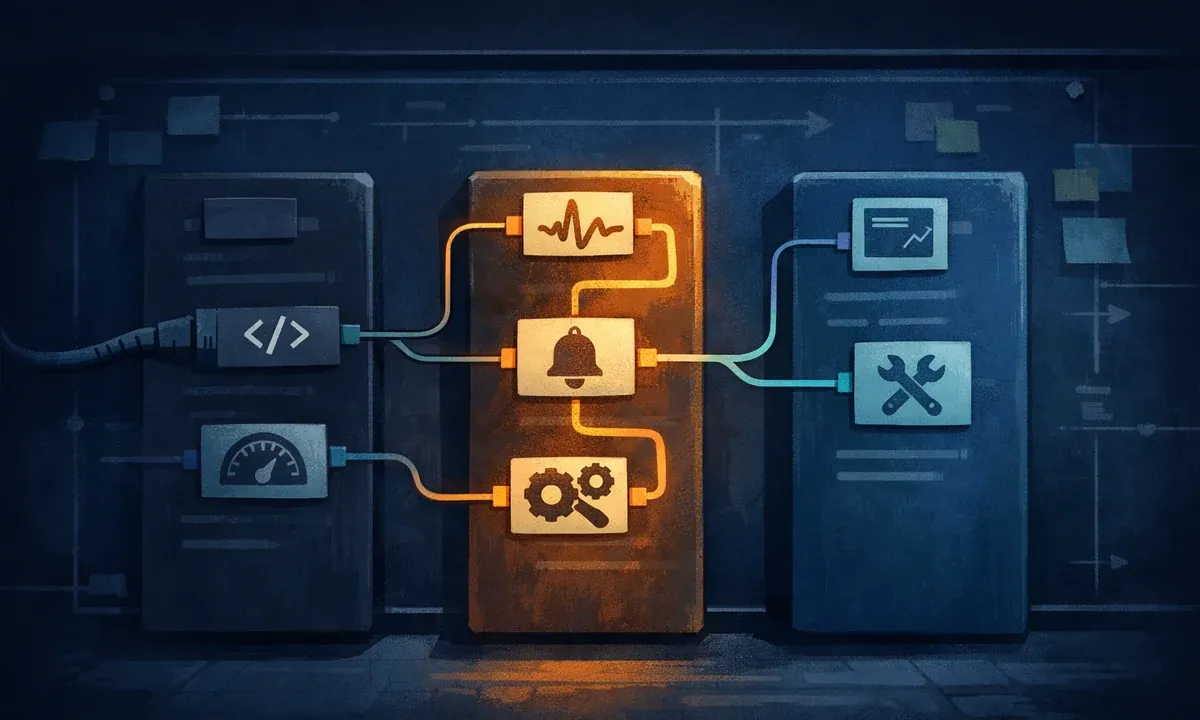
As a rule of thumb: Make is often good for fast standard automation. n8n is strong when flexibility, APIs and operating options become more important. Custom integrations are useful when the workflow is critical, highly individual or deeply embedded in company systems over the long term.
Do not underestimate data protection, operation and maintenance
Automation connects systems. This creates new data flows, new access points and new sources of error. Especially with personal data, customer data, quotes, contracts, payment information or internal business data, companies should check early which solution is professionally and technically appropriate.
Important questions include:
- Where is data processed and stored?
- Who has access to API keys, tokens and credentials?
- How are secrets managed?
- Are roles and permissions in place?
- Are executions logged?
- How long are logs visible?
- What happens when errors, rate limits or timeouts occur?
- Can failed runs be retried?
- Is data written twice?
- Is there monitoring and alerting?
- Who maintains the workflow after three, six or twelve months?
These questions are not only relevant for large companies. A small company can run into the same problems if a form creates duplicate leads, a shop export fails unnoticed or a workflow sends sensitive information to the wrong recipient.
Typical architecture examples
Simple workflow: contact form to CRM
A contact form sends data to a webhook. Make or n8n validates required fields, creates a CRM contact, sends an internal notification and creates a task. This workflow is a good candidate for Make if all involved systems have standard integrations. n8n becomes more interesting when custom webhooks, database queries or more complex checks are involved.
Medium workflow: incoming PDF with AI evaluation
A document arrives by email or upload. The workflow stores the file, extracts text, classifies content, checks mandatory information and creates a task for review. Here, a visual workflow can control the process while a custom service encapsulates document logic or the AI connection.
Complex workflow: shop, ERP, CRM and reporting
A shop creates orders, product data is synchronized from an ERP, CRM data needs to be enriched and reporting data prepared. Standard modules are often enough only for parts of this. A robust architecture usually combines custom integrations with a workflow orchestrator and monitoring.
AI workflow with human-in-the-loop
An inquiry is automatically classified, enriched with CRM data and prepared as a draft response. It is sent only after approval. This approach is especially useful when AI brings speed, but the decision should not be fully automated.
Hybrid approaches are often the best solution
The decision does not have to be exclusive. In many real projects, a hybrid is the most useful approach:
- Make for simple marketing or sales workflows
- n8n as a technical orchestrator for API-related processes
- custom integration for critical logic, authentication or data mapping
- AI service for classification, summarization or extraction
- monitoring so errors become visible
Example: A company uses Make to collect campaign leads from standard sources. Once a lead is qualified, it goes to a custom API endpoint that checks duplicates, normalizes data and creates the CRM entry in a controlled way. An n8n workflow then processes internal feedback and creates weekly reports. Not every problem needs to be solved with the same tool.
Common mistakes in automation projects
Mistake 1: tool before process
When a company chooses a tool first, processes are often bent until they fit into the builder. A brief process capture is better: trigger, data, target systems, rules, risks and responsibilities.
Mistake 2: no error strategy
Every workflow needs answers to simple questions: What happens if an API call fails? What happens with incomplete data? Who is informed? Is a case retried or stopped?
Mistake 3: credentials are uncontrolled
API keys and tokens are productive access credentials. They do not belong in private notes, chat histories or unprotected spreadsheets. Roles, permissions and secret management are part of the project.
Mistake 4: no documentation
Visual workflows look self-explanatory, but after a few months they rarely are. Naming, comments, version logic and short technical documentation save a lot of time later.
Mistake 5: no clear ownership
A workflow needs a subject-matter owner and a technical owner. Otherwise nobody knows who reviews changes, evaluates errors or prioritizes new requirements.
How a sound tool decision works
A structured approach reduces the risk of choosing the wrong platform.
- Describe the process: What triggers the workflow and what result should be created?
- Capture systems: Which applications, APIs, databases or files are involved?
- Check the data model: Which fields are needed and what quality do they have?
- Assess risk: What would be the consequences of incorrect processing?
- Clarify operational requirements: monitoring, logs, repeatability, permissions, maintenance.
- Build a prototype: A limited test with real example data shows the limits quickly.
- Decide the architecture: Make, n8n, custom integration or hybrid.
- Plan production: documentation, access concept, tests and responsibility.
For companies that are not just looking for a tool, but need a viable technical implementation, the Automation & AI service is the right starting point.
Checklist: which solution fits your company?
Make is probably suitable when:
- the workflow mainly connects standard SaaS apps
- speed matters more than maximum customization
- the team wants to work visually
- the process is not highly critical
- prototyping or MVP validation is the priority
n8n is probably suitable when:
- APIs, webhooks and custom logic play a larger role
- self-hosting or more control is desired
- technical support is available
- workflows need to grow flexibly
- AI, database or backend steps are integrated
A custom integration is probably suitable when:
- the process is business-critical
- data models are individual
- high stability and traceability are required
- standard tools create too many exceptions
- website, shop, CRM or specialist system need deep integration
Conclusion: the best automation solution fits the process, not the trend
n8n vs Make is not a matter of belief. Make is strong for fast visual automation with standard apps. n8n offers more technical flexibility and can be attractive for workflows that need control through self-hosting. Custom integrations make sense where business logic, stability, data control and long-term operation matter more than the fastest start.
For many SMEs, the best solution is a hybrid: visual workflows for transparency and speed, custom services for critical logic and AI building blocks where language, documents or unstructured information need to be processed. The decisive point is that the architecture comes from the process, not from enthusiasm for a single tool.

