
Bajorat Media
WordPress staging: test environment for safe updates
How WordPress staging makes updates, plugin changes and relaunch steps safer before changes become visible on the live website.

For many companies, WordPress staging is the difference between controlled maintenance and risky changes to an open live system. Anyone who tests updates, new plugins, PHP changes or larger content changes directly on the live website often notices problems only after visitors are already affected. A staging environment creates a protected intermediate space for exactly this purpose: changes are checked first in a copy before they are transferred to the production website.
Especially for established company websites, WooCommerce shops or individually developed WordPress systems, staging is not a luxury. It is a practical operating process that helps avoid outages, makes decisions easier and makes WordPress maintenance far more reliable.
What WordPress staging actually means
A staging website is a realistic copy of the live website. It typically contains the same WordPress version, the same theme, the same plugins, comparable server settings and a copy of the database. Visitors do not see this environment. It is intended for testing, approvals and technical checks.
It is important to distinguish staging from a simple backup. A WordPress backup is the fallback option when something goes wrong. Staging is the testing space where problems are found before a backup is needed at all. Both belong together, but they do not replace each other.
WordPress itself recommends backing up the website before updates and clearly explains in the official article on WordPress updates that updates can change files in the installation. For companies, this leads to a simple operating rule: the more important the website is for inquiries, revenue or business processes, the less relevant changes should go live untested.
When a staging environment is especially useful
Not every small text correction needs a full approval process. WordPress staging becomes particularly important when technical dependencies are involved or when an error would have direct business consequences.
Typical reasons for a staging test include:
- updates to WordPress core, themes or many plugins at the same time
- larger version jumps in page builders, forms, SEO plugins or security plugins
- PHP or hosting changes
- changes to WooCommerce, checkout, payment methods or shipping logic
- new tracking, consent or form setups
- changes to navigation, templates or central landing pages
- cleanup of old plugins or theme functions
- relaunch preparation with existing content
For simple websites, pragmatic staging can be enough: create a copy, test updates, check important pages and transfer the changes. Shops, portals or websites with individual development need more structure because data and code have to be treated more separately.
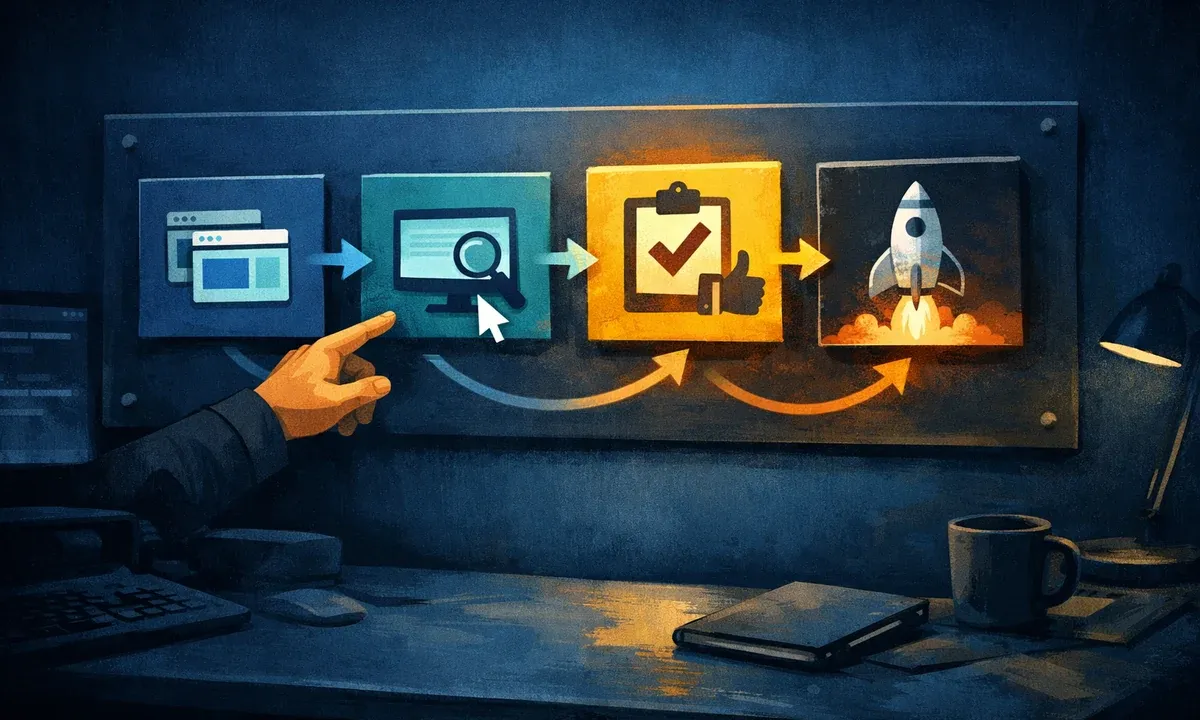
The clean workflow: copy, test, approve, deploy
A good staging process does not start with the update button. It starts with a clear question: what should change, and how will we know afterwards that the website still works? The workflow can then remain compact:
- Back up the live website and create a staging copy.
- Protect staging against indexing and public access.
- Carry out the planned updates or changes in staging.
- Check central user journeys: homepage, service pages, forms, search, login, cart or checkout.
- Document and fix problems.
- Approve the change for the live website.
- Go live in a suitable maintenance window.
- Run a final check on the live website.
The quality of this process depends heavily on the checklist. Anyone who only checks whether the homepage loads often misses form errors, JavaScript conflicts, broken mobile layouts or problems in less visible page types. For a reliable review, a WordPress inspection is often useful, especially if the website has not been systematically assessed for a long time.
Which problems WordPress staging can prevent
Staging does not prevent every error, but it moves many risks into a controlled environment. This is especially important for plugin conflicts. A single plugin update can change JavaScript, output shortcodes differently, migrate database tables or collide with another plugin. On the live website, this often only becomes visible through broken forms, empty sections or error messages.
Performance problems also become easier to spot in staging when an update adds new scripts, larger stylesheets or additional database queries. Not every measurement is identical to the live website because caching, traffic and server load can differ. For technical assessment, staging still helps: it shows whether a change basically creates new load or modifies central templates. If loading time problems become noticeable, targeted performance optimization is the next useful step.
Another advantage is communication. When several people are involved in the website, marketing, IT and data protection, a staging environment makes changes visible before they become binding. Approvals are not based on screenshots or assumptions, but on a website that can actually be checked.
Limits: staging is not a magic copy
A staging website is only as good as its proximity to reality. If PHP version, server configuration, cache, plugin licenses or external interfaces differ, a test can create a false sense of security. Companies should therefore not only create the environment technically, but also operate it deliberately.
Extra care is needed for websites with ongoing data. A WooCommerce shop receives orders, customer accounts and payment information. A member area collects logins and profile changes. A form creates inquiries. If an older staging database is carelessly pushed back to live, new live data can be overwritten. In such cases, code deployment, database changes and content changes need to be clearly separated.
External services also need attention. Payment providers, newsletter systems, CRM interfaces, analytics, consent tools or email sending should not accidentally trigger real processes in staging. Often this requires test modes, disabled webhooks or clear rules about which integrations may be active in the test environment.
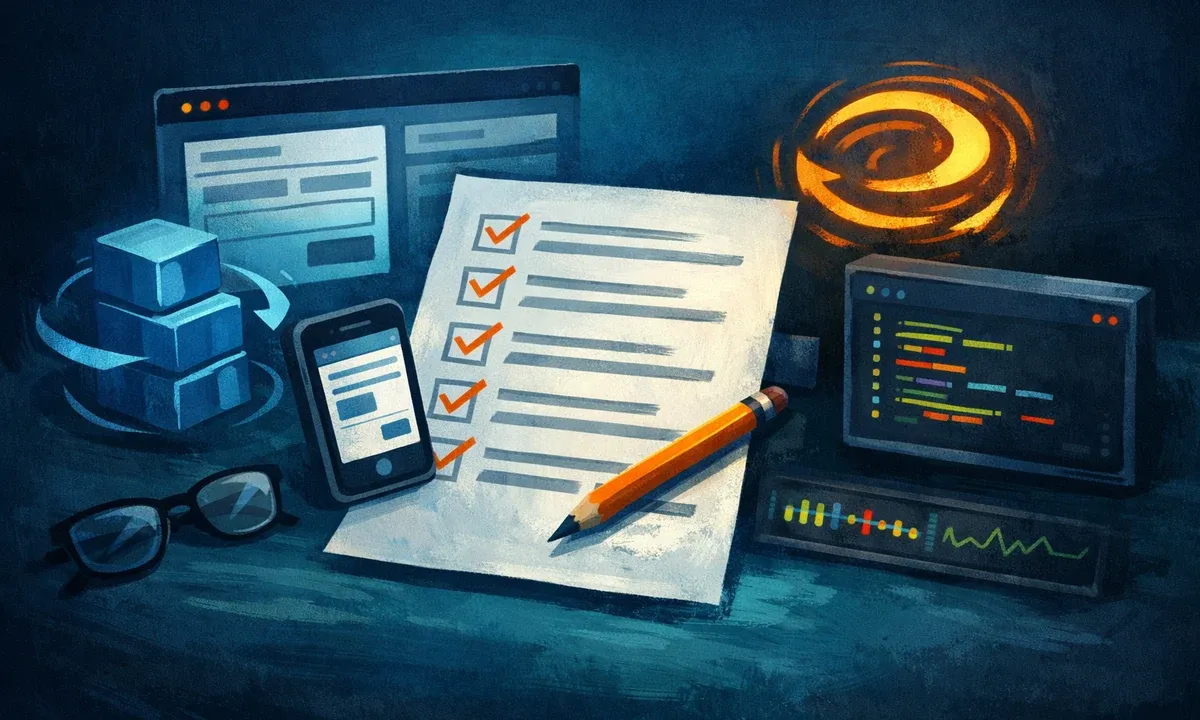
What belongs in a staging checklist
A good checklist keeps the process lean, but complete enough for the specific website. Two blocks cover most company websites.
Before testing in staging:
- activate access protection for the staging environment
- disable search engine indexing
- create a backup of the live website
- document WordPress, plugins, theme and PHP version
- review changelogs for larger updates
During and after testing:
- check homepage, important service pages and contact page
- run contact forms with test data
- check the mobile layout
- scan the browser console for visible JavaScript errors
- clear caches after updates and run a final live check
The official WordPress documentation on website maintenance emphasizes regular maintenance, backups and updates as part of a recurring maintenance plan. For companies, the decisive point is this: maintenance should not only be completed, but also made traceable. That way it remains clear over time what was changed and why.
Automatic updates or controlled staging?
Automatic updates can make sense, especially for smaller, less critical websites and clearly limited security updates. WordPress describes its own auto-update features for plugins and themes and also points out that regular automatic backups are useful before auto-updates are enabled.
For companies, however, the decision is not a simple yes-or-no question. Security updates should be evaluated quickly. Larger feature updates, complex plugin changes or changes to business-critical processes belong in staging. A good maintenance process therefore distinguishes by risk:
- low-risk patch updates can be applied more quickly
- security-relevant updates are reviewed with priority
- larger version jumps go through staging and approval
- shop, form and interface changes are tested functionally
- individual development is versioned and deployed in a controlled way
This keeps WordPress from being managed passively. It is updated responsibly.
Conclusion: WordPress staging makes maintenance more predictable
WordPress staging is worthwhile whenever a website is more than a digital business card. It does not only protect against technical errors. It improves the entire way changes are handled: tests become more concrete, approvals more traceable and maintenance less random.
For small websites, a lean staging process with backup, update test and visual check is often enough. For shops, portals, multisite systems or individually developed WordPress websites, staging should be part of a structured operating model. Then it is not just about a copy of the website, but about clear responsibility, traceable deployments and reliable follow-up checks.
If it is already unclear which plugins, themes, interfaces or hosting factors create risk, a technical inventory is the right first step. After that, it becomes easier to decide whether ongoing WordPress support, structured maintenance or targeted cleanup is the better next move.

