
Bajorat Media
What is two-factor authentication (2FA)?
Two-factor authentication protects logins by adding a second security factor beyond the password.
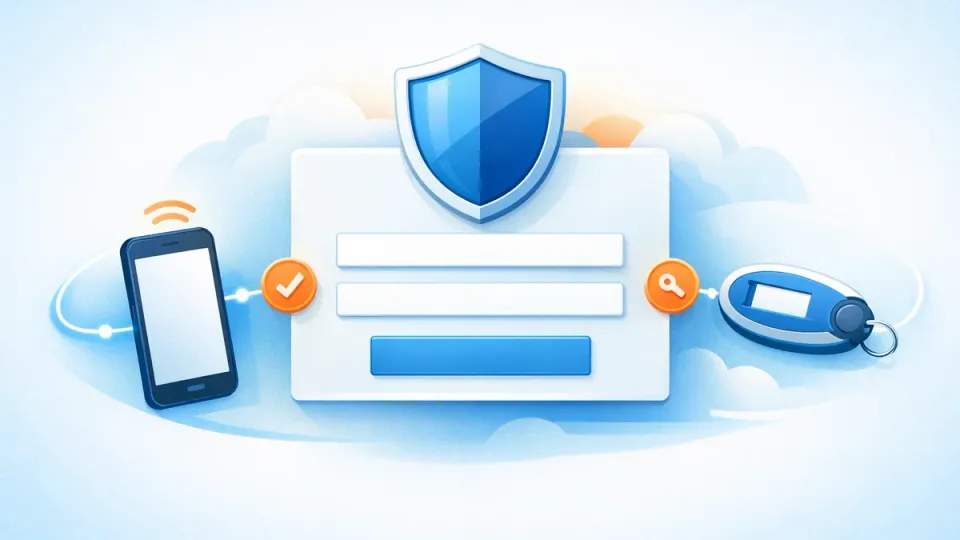
Two-factor authentication, or 2FA, is an additional layer of protection for logins. In addition to the password, a second factor is required, such as a one-time code from an authenticator app, a security key or a confirmation on a trusted device. This means a stolen password alone is no longer enough to access an account.
Which factors can be used for 2FA?
Two-factor authentication combines two different proofs of identity. Typical categories are:
| Factor | Example |
|---|---|
| Knowledge | password or PIN |
| Possession | smartphone, authenticator app, hardware security key |
| Biometrics | fingerprint or face recognition |
The German BSI provides consumer guidance on two-factor authentication. For website owners, the practical meaning is clear: the login is no longer protected only by a password.
Why is 2FA important for websites?
Many attacks on websites do not start with a complex security vulnerability. They start with a compromised account. Passwords can become known through phishing, data breaches, reuse across services or insecure devices. Administrator accounts, hosting logins, email accounts, Google accounts, payment providers and WordPress users with high privileges are especially critical.
In WordPress maintenance, 2FA is therefore one of the most important organizational security measures. It does not replace updates, backups or role management, but it reduces a common risk: unauthorized login with valid credentials.
Which 2FA methods are useful?
Not every method is equally strong. SMS codes are better than no second factor, but they can be more vulnerable to SIM swapping or intercepted messages. Authenticator apps are a good starting point for many companies because they are relatively easy to roll out. Hardware security keys such as FIDO2/WebAuthn are particularly strong, but require more preparation.
For company websites, these points matter:
- Administrator accounts should use 2FA.
- Shared user accounts should be avoided.
- Backup codes must be stored securely.
- Accounts of former employees should be removed immediately.
- Roles and permissions should be reviewed regularly.
When does 2FA matter in daily website work?
2FA is especially relevant when several people work on a website, shop, CRM or campaign account. A single compromised account can be enough to change content, view customer data, set redirects or manipulate payment and tracking settings.
Login security also belongs in a WordPress GDPR and data protection setup, because technical and organizational measures do not only concern external visitors. If personal data is processed, administrative access should be protected appropriately.
What should website owners do first?
The practical start is straightforward: enable 2FA first for all administrators, then extend it to editors, agency accounts and important third-party systems. Password managers, individual user accounts, minimal permissions and a documented offboarding process should support it.
A good security strategy is not a single measure. Two-factor authentication is still one of the most effective basics because it makes a common attack scenario much harder: access through stolen or guessed passwords.

