
Bajorat Media
Accessible Website 2026: BFSG, WCAG and a Practical Checklist for Businesses
What businesses should know about accessible websites in 2026: BFSG, WCAG, typical issues, audit process and practical implementation.
An accessible website is no longer a niche topic for public institutions in 2026. The German BFSG, the European Accessibility Act, rising user expectations and the growing importance of digital self-service make accessibility a practical quality criterion for many businesses. Companies that sell online, accept bookings, run customer portals or provide digital information should check whether their website is truly usable for people with different abilities.
This article explains BFSG, WCAG and the most important implementation steps. It does not replace legal advice, but it helps with technical and editorial planning. For deeper context, the FAQ article What is the BFSG? and the accessibility service page are useful starting points.
Accessible Website 2026: Why the Topic Becomes Operational Now
The BFSG implements the European Accessibility Act for certain products and services in German law. The European Commission explains the scope and background of the European Accessibility Act, which aims to harmonize accessibility requirements for important products and services across the EU. For websites, the practical relevance is particularly strong where online shops, booking flows, banking services, telecommunications, e-books or digital consumer processes are offered.
Independent of the exact legal assessment, accessibility is also a business quality topic. A website that works with a keyboard, uses clear contrasts, shows understandable error messages and structures content semantically helps not only people with permanent disabilities. It also helps users with temporary limitations, older visitors, mobile users, people in stressful situations and everyone who wants to understand information quickly.
Accessibility is website quality under real usage conditions. It affects design, code, content, forms, media, documents and processes.
Not every company is automatically affected in the same way by the BFSG. More website operators should still check whether digital processes are accessible enough. Relevant factors include industry, offer, target audience, contract conclusion, digital service and consumer context. Companies that are unsure should clarify the legal assessment separately and still not postpone technical website quality.
| Website or process type | Why a review is useful |
|---|---|
| Online shop and checkout | Purchase, cart, payment and confirmation are critical consumer processes. |
| Booking and appointment portals | Users must be able to select, book and manage services independently. |
| Member, customer or service portals | Login, forms and documents must work with assistive technologies. |
| Banking, insurance, telecommunications | Digital services are often especially relevant for accessibility requirements. |
| Company website with lead forms | Even without a clear BFSG obligation, accessibility can improve conversion, trust and reach. |
For many SMEs, the pragmatic conclusion is: do not wait for a complaint or legal uncertainty. Review the most important user journeys and improve them step by step.
BFSG, WCAG and Practical Responsibility
The BFSG defines legal requirements for certain products and services. The WCAG, the Web Content Accessibility Guidelines, provide the globally established technical and conceptual framework for web accessibility. The current W3C recommendation WCAG 2.2 organizes requirements into principles, guidelines and testable success criteria with conformance levels A, AA and AAA.
For business websites, WCAG 2.2 AA is often a sensible target corridor, although the exact legal assessment depends on the specific offer. Important: WCAG is not one checklist that can be ticked off at the end. It is a quality framework for design, development and editorial work.
The four core principles are easy to remember:
| Principle | Meaning for websites |
|---|---|
| Perceivable | Content must be visible, audible or otherwise understandable. |
| Operable | Navigation, forms and interactions must work without barriers. |
| Understandable | Language, structure, errors and processes must be clear. |
| Robust | Content must work across browsers, devices and assistive technologies. |
These principles show why overlay-only solutions are not enough. A widget may improve font size, contrast or focus support, but it cannot repair an incorrect heading structure, unusable forms, missing alternative text or poorly built dialogs.
In implementation, it helps to translate the WCAG principles into real page elements. “Perceivable” affects contrasts, alternative text, captions and clear states. “Operable” affects keyboard use, focus, menus, sliders, dialogs and time limits. “Understandable” affects language, navigation, error messages and form guidance. “Robust” affects semantic HTML, ARIA only where it is needed and compatibility with browsers and screen readers.
Example: a form field with a gray placeholder, no visible label and a red error state violates several layers at once. The text may be hard to perceive, the field is not clearly named for screen readers, the error is communicated only by color and the user does not understand how to fix it. Accessibility is therefore rarely one single correction. It is usually the interaction of design, code and text.
Typical Accessibility Issues on Business Websites
Audits often reveal recurring issues. Many of them do not arise from negligence, but from missing standards in the design and development process.
- Insufficient color contrast for buttons, labels, icons or gray text.
- Focus states are invisible or removed with CSS.
- Navigation, sliders, filters or accordions are not fully keyboard-operable.
- Forms show errors only by color or only after browser-native validation.
- Labels are missing or not correctly connected to input fields.
- Headings are chosen by visual size instead of semantic order.
- Images, icons and infographics have missing or unusable alt text.
- Modal dialogs do not manage focus correctly or cannot be closed with Escape.
- Videos have no captions or no meaningful text alternative.
- PDFs are not accessible or are used as a replacement for important HTML content.
- Cookie banners block keyboard users or screen readers.
- Checkout and booking processes lose context when an error occurs.
Especially in shops, booking systems and member areas, checking only the homepage is not enough. The critical parts are the interaction flows: product selection, cart, checkout, registration, login, password reset, payment flow and confirmation. For e-commerce projects, this also affects the connection to WooCommerce and custom checkout adjustments.
Critical Processes: Shop, Booking, Form and Login
Many barriers only become visible when a user has to complete a process. A homepage may be technically decent while checkout, form or login are barely usable. Businesses should therefore test real tasks, not only page types.
Forms are not only about labels. Users need to understand which information is expected, which fields are required, why an error occurs and how to fix it. Error messages should be placed near the field, programmatically identifiable and not communicated only through red color. After an error, already entered data should remain available.
Shops and booking flows add more details: variant selection, price changes, cart, delivery address, payment method, terms notices, voucher fields and confirmation must work with keyboard, screen reader and zoom. Cookie banners, captchas and payment providers can also interrupt the process. These transitions are critical because businesses often do not control them completely.
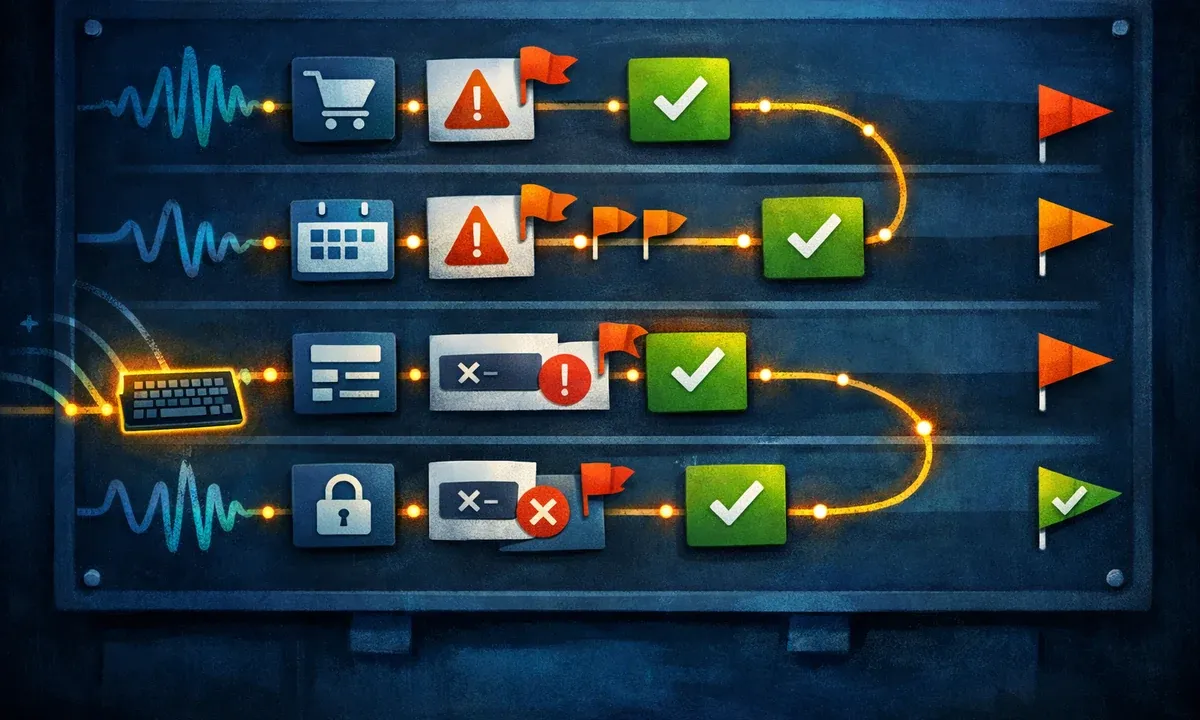
A good test case is therefore not “open homepage”, but for example:
- Search for a product or select a service.
- Understand the detail page.
- Use the form or cart.
- Trigger an error intentionally.
- Fix the error.
- Complete the process.
- Read or save the confirmation.
If this flow remains understandable without a mouse, at strong zoom and with a screen reader, the website is much closer to real accessibility.
Checklist: What Businesses Should Review in 2026
An accessible website is best created in stages. The following checklist helps with assessment, prioritization and implementation.
Design and layout:
- Are contrasts sufficient for text, buttons, form fields and status messages?
- Does the page work at 200 percent zoom without horizontal scrolling in central areas?
- Are focus states visible, consistent and not only communicated by color?
- Are click targets large enough and easy to reach on mobile devices?
- Is information not communicated only by color, position or icon shape?
Technology and operation:
- Is the complete website keyboard-operable?
- Is the tab order logical?
- Do interactive elements have correct roles, names and states?
- Do menus, filters, tabs, accordions and dialogs work with screen reader and keyboard?
- Are skip links or other ways available to bypass repeated areas?
- Are animations controllable or do they respect reduced motion settings?
Content and editorial work:
- Is there exactly one H1 and a logical heading structure?
- Are link texts meaningful instead of only saying “learn more” or “here”?
- Do informative images have useful alt text?
- Are tables built correctly and not misused for layout?
- Are documents, downloads and embedded media accessible or supplemented by HTML content?
Forms and processes:
- Do all fields have visible labels?
- Are required fields, help texts and errors explained clearly?
- Are entered values preserved when an error occurs?
- Can the entire process be used without a mouse and without perfect vision?
- Are time limits, captchas or uploads designed so they do not exclude users?

This list does not replace a full WCAG audit, but it quickly shows whether the website has structural issues. In many projects, it is enough to prioritize the most important risks.
Accessibility Helper in Bajorat Media | Cockpit: Support for Visitors and Operators
Bajorat Media | Cockpit includes the Accessibility Helper, a free tool that supports website operators with accessibility. The helper can assist visitors with contrast, font sizes and usability, and it is part of the Bajorat Media | Cockpit platform with additional website, SEO, monitoring, privacy and AI tools.
The right framing is important: the Accessibility Helper is a useful building block, but it does not replace accessible web design, semantic HTML and tested forms. It can improve use and reduce barriers while the actual quality work happens in structure, code, content and processes.
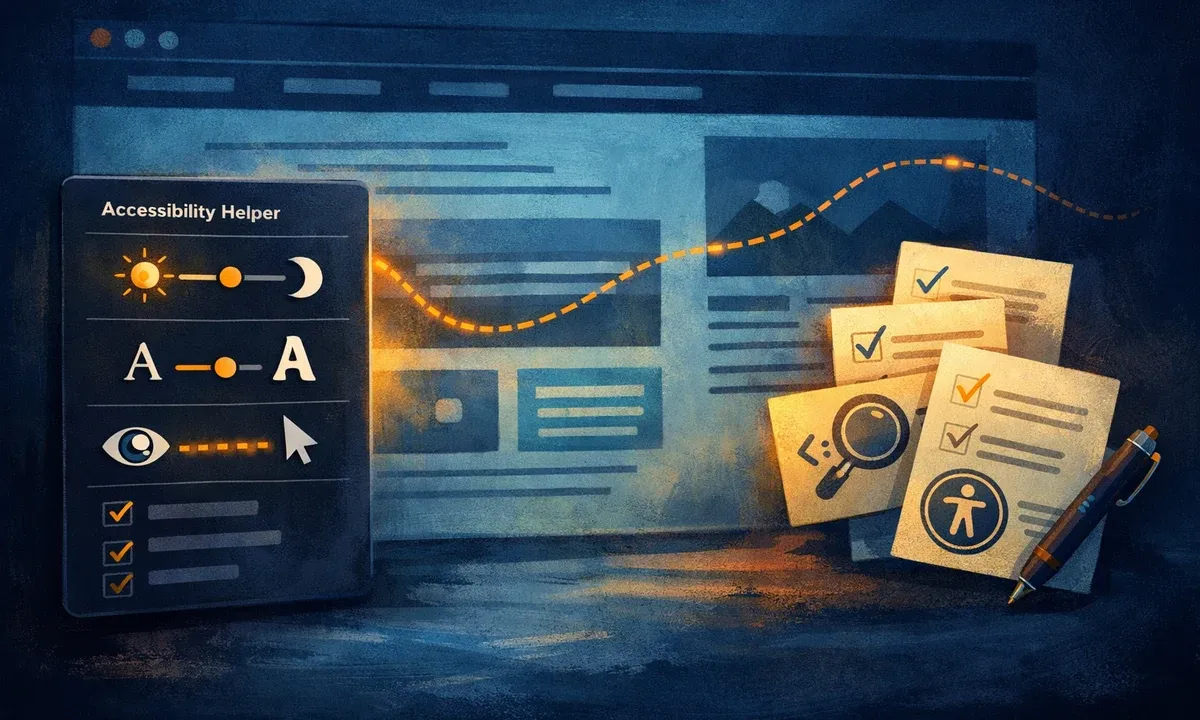
For businesses, the combination is interesting:
- Accessibility Helper for additional visitor support.
- Tools in Bajorat Media | Cockpit for website checks, monitoring and task organization.
- Professional implementation through accessible web design and concept work and specialized accessibility audits.
- Ongoing review during relaunches, new forms, campaign landing pages and shop adjustments.
This keeps accessibility from becoming a one-time project and turns it into part of website operations.
What a Realistic Implementation Process Looks Like
Many businesses underestimate the scope because they review accessibility only at the end. Then mistakes become expensive: components have to be rebuilt, colors redefined, forms restructured and content edited again. A better process plans accessibility early.
A practical sequence:
- Clarify relevance and target level: BFSG relevance, WCAG target and critical user journeys.
- Inventory page types: homepage, services, blog, shop, checkout, forms, login, downloads.
- Manually test a sample: keyboard, screen reader, zoom, contrast and mobile use.
- Add automated tests, but do not treat them as the only truth.
- Adjust the design system: colors, focus, buttons, forms, components and states.
- Rework templates and components technically.
- Train editorial teams: headings, alt text, link text, tables and PDFs.
- Test critical processes again.
- Document findings and define priorities.
- Integrate accessibility into future website changes.
For relaunches, this process should be part of concept work. For existing websites, an audit is often the better starting point: measure first, then prioritize, then implement the strongest improvements. This is especially true when performance, privacy, SEO or conversion optimization are handled at the same time. Accessibility affects these areas instead of sitting next to them.
An audit should prioritize findings. Not every issue has the same impact. Missing alt text on a decorative image is different from a checkout button that cannot be operated. It is useful to rate by severity, frequency and process relevance:
| Priority | Meaning | Example |
|---|---|---|
| Critical | Users cannot complete a central process. | A form cannot be submitted without a mouse. |
| High | Users are strongly hindered or lose orientation. | Error messages are not associated with the field. |
| Medium | Use is possible, but unnecessarily difficult. | Focus states are weakly visible. |
| Low | Quality or clarity suffers, but the process remains usable. | Alt text exists but is too generic. |
This prioritization helps teams avoid treating accessibility as an unmanageable defect list. First, blockers in core processes are fixed. Then recurring components are improved. Editorial and document-related topics follow.
What Automated Tools Can Do and Where Manual Testing Is Required
Automated accessibility checks find many technical problems: missing labels, contrast issues, ARIA errors, empty buttons or missing alt attributes. They are fast and useful for recurring quality assurance. They cannot reliably judge whether alt text is meaningful, whether a process remains understandable or whether a dialog gives orientation in real use.
Manual tests remain necessary:
- keyboard operation across complete processes
- screen reader test for navigation, forms and dialogs
- review of error messages and help texts
- clarity of language and structure
- mobile use with zoom and changed system settings
- review of media, PDFs and embedded services
Teams can start by checking the most important templates and processes internally. For a reliable assessment, a professional audit is recommended, especially for legally relevant digital services.
Embedding Accessibility in Ongoing Operations
After an audit, the website is not permanently finished. New content, landing pages, forms, shop extensions, cookie banners, videos or PDFs can create new barriers. Accessibility therefore needs a place in ongoing operations.
For businesses, this works best when responsibilities are clear:
- Design defines contrasts, focus states, components and responsive states.
- Development ensures semantic HTML, keyboard operation, ARIA logic and technical tests.
- Editorial work covers headings, link text, alternative text, tables and understandable language.
- Marketing reviews landing pages, campaign forms, videos and tracking embeds.
- Project owners decide which findings are implemented when.
Accessibility should also become part of acceptance processes. A new component is not finished only because it looks good. It should be keyboard-operable, show focus states, have understandable labels and produce no obvious screen reader issues. For larger changes, a short retest of the most important user journeys is worthwhile.
For teams with limited resources, a realistic rhythm is better than pressure for perfection: improve critical processes immediately, update components during the next relaunch or design system iteration, bring editorial standards into daily work and repeat larger audits regularly.
Conclusion: Accessibility Belongs in Website Operations
An accessible website in 2026 is not only a reaction to BFSG and WCAG. It shows that digital offers are built seriously for real people. Businesses benefit from clearer structures, better forms, more understandable content, more robust components and a website that works even under difficult usage conditions.
The best time for accessibility is the concept phase. The second-best time is a structured audit of the existing website. With a clear review process, the free Accessibility Helper in Bajorat Media | Cockpit and professional implementation across design, development and editorial work, accessibility can be translated into manageable steps.

