
Bajorat Media
What does web accessibility mean?
Web accessibility means designing websites so that as many people as possible can use them reliably.
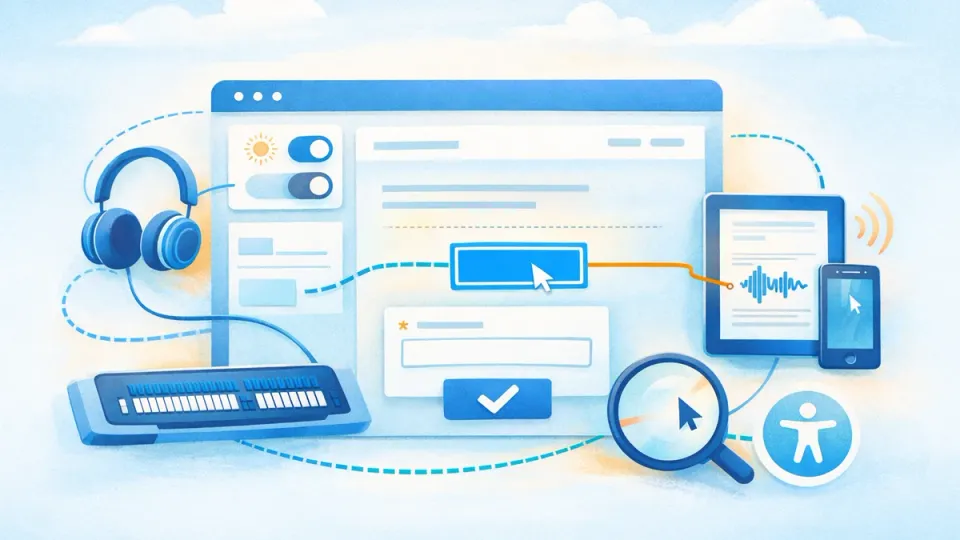
Web accessibility means that websites, digital applications and content are designed and developed so people with different abilities can perceive, operate and understand them. It is not only about screen readers or individual special functions. The whole website has to work together: structure, contrast, navigation, language, forms, media and technical semantics.
Why accessibility is more than an add-on
Many barriers are not intentional. They result from small decisions in design, content or development: low color contrast, unclear error messages, missing focus indicators, unlabeled form fields or elements that can only be used with a mouse.
The W3C Web Accessibility Initiative describes accessibility as a condition for people being able to perceive, understand, navigate and interact with the web. For companies, this is not only a social topic. Accessible websites are usually more robust, easier to understand and better structured.
Which parts of a website are affected?
Accessibility affects several layers:
| Area | Typical requirements |
|---|---|
| Design | contrast, font sizes, visible states, information not conveyed only by color |
| Content | understandable language, clear headings, meaningful link text |
| Technology | semantic HTML, keyboard operation, correct form labels |
| Media | alternative text, captions, transcripts, controllable animation |
| Process | testing, editorial rules, component maintenance and regular review |
One common mistake is checking accessibility only at the end of a project. By then, layout, components, content and technical structure are often already fixed. It is better to consider accessibility during web design and concept work.
How do WCAG, BFSG and accessibility relate?
The WCAG are international guidelines for accessible web content. They define requirements for contrast, keyboard operation, error messages, content structure and many other details.
The BFSG, the German Accessibility Strengthening Act, makes accessibility legally relevant for certain digital products and services. Not every company website is automatically covered, but shops, booking processes and digital services should be assessed carefully.
Why accessibility also affects UX and SEO
Many accessibility measures improve the general user experience. Clear headings help screen readers, but also users who scan quickly. Good form errors help people with disabilities, but also users on mobile devices. Well-structured content helps assistive technologies and gives search engines clearer signals.
Accessibility does not replace search engine optimization, but it supports important foundations: semantic structure, understandable content, usable navigation and less friction on important pages.
What should website owners check?
Useful first checks include:
- Can the website be used fully with the keyboard?
- Are text and interface elements contrast-rich enough?
- Do forms have clear labels and understandable error messages?
- Are images, icons and media described appropriately?
- Is the heading structure logical?
- Is important information not conveyed by color alone?
- Do menus, tabs, accordions and dialogs work with assistive technologies?
Accessibility is not a single plugin and not a one-time checklist. It is a quality standard for planning, design, development and editorial work. Anyone planning a new website or revising an existing one should treat accessibility as a fixed part of accessibility implementation.

