
Bajorat Media
WordPress monitoring: detect website problems early
How WordPress monitoring makes outages, form issues, performance problems and update risks visible before they affect customers.
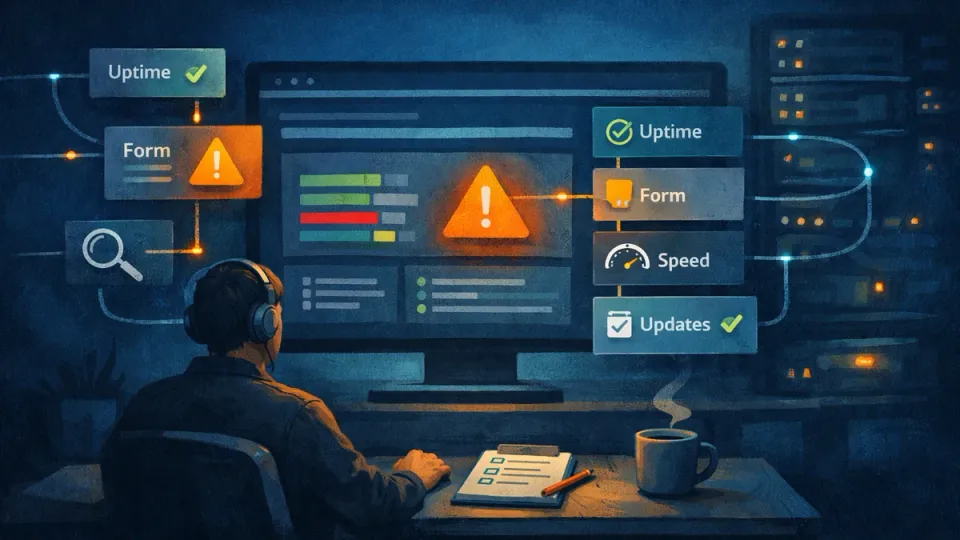
WordPress monitoring is the difference between “we noticed it by chance” and a controlled website operation. Many problems do not appear dramatically: a form stops sending email, a plugin creates JavaScript errors, an SSL certificate expires, an update slows down important pages or an external service blocks checkout. For visitors, the result is still clear: the website feels unreliable.
For companies, monitoring is therefore not just a technical topic. It connects WordPress maintenance, support, performance, security and responsibility. The goal is not to stare at every metric permanently, but to see relevant signals early enough, interpret them correctly and turn them into a concrete response.
What WordPress monitoring should achieve
WordPress monitoring means checking the technical state of a website repeatedly. This includes automated tests, manual visual checks and clear rules for what happens when something stands out. A single uptime check is not enough. It may show whether a URL responds, but not whether contact forms work, whether important pages become slow or whether backend errors make daily work difficult.
The official WordPress documentation recommends regular maintenance, updates, backups and recurring checks as part of website maintenance. Monitoring makes this maintenance more reliable because it does not only look at planned tasks, but also makes unplanned changes visible.
Practical monitoring answers five questions:
- Is the website reachable?
- Do central user journeys such as forms, search, login or checkout work?
- Are there technical errors after updates or content changes?
- Are loading time and Core Web Vitals moving in the wrong direction?
- Who responds when a signal becomes critical?
Good monitoring is not about collecting as many alerts as possible, but about focusing on signals with real impact.
Which areas WordPress monitoring can cover
The more important a website is for inquiries, revenue or service processes, the broader monitoring should be. For a small company website, a compact review plan is often enough. WooCommerce, multisite, member areas or individually developed systems need more depth.
| Area | Typical check | Why it matters |
|---|---|---|
| Availability | Homepage and important subpages respond correctly | Outages are detected faster |
| SSL and domain | Certificate, redirects, expiry dates | Avoid trust and browser warnings |
| Forms | Test submissions, required fields, spam protection, delivery | Inquiries are not lost unnoticed |
| Performance | LCP, INP, CLS, server response, page types | Keep user experience and SEO basics stable |
| Updates | Core, plugins, themes, PHP version | Assess risks before maintenance windows |
| Security | Login anomalies, outdated components, error messages | Reduce attack surface |
| Backups | Run status, storage location, restorability | Avoid improvising in an emergency |
| Content | 404 errors, broken links, central pages | Preserve trust and link structure |
The weighting depends on the project. A B2B contact form is often more critical than a single blog article. In a shop, cart, checkout, payment methods and email notifications matter more than many purely editorial pages. Monitoring needs to know these priorities.
WordPress monitoring and Site Health
WordPress already includes a diagnostic view with the Site Health Screen. It shows critical issues, recommended improvements and technical information about WordPress version, theme, plugins, server, database and file permissions. For website operators, this is a useful starting point because many basics become visible directly in the backend.
Site Health does not replace full monitoring. The view helps with technical assessment, but it does not automatically report every business-critical error and it does not test individual user journeys. A form can be technically present from WordPress’s point of view and still fail to deliver emails. A website can be reachable and still have a script that blocks the mobile navigation.
The useful combination is:
- Site Health for the technical baseline
- uptime monitoring for availability
- functional checks for forms, login, search or checkout
- performance measurement for relevant page types
- a maintenance log for changes, findings and decisions
Especially for established websites, a WordPress inspection is often the right first step. It shows which checks are really needed and where old plugins, hosting configuration, theme code or unclear responsibilities create risk.
Performance monitoring: more than a PageSpeed score
Performance belongs in every WordPress monitoring setup, but it needs to be understood correctly. A single score from one test run is not an operating state. What matters is the development over time and the question of which page types are relevant for real users.
Google describes Core Web Vitals as metrics for real user experience: LCP for loading performance, INP for responsiveness and CLS for visual stability. The glossary article on what the three Core Web Vitals values measure explains the details. For WordPress websites, these values are especially useful because plugins, tracking scripts, images, page builders and external services often directly affect loading and interaction behavior.
In practice, companies should not only measure the homepage. Other pages are often more important:
- contact page with form
- central service pages
- blog articles with a lot of organic traffic
- product lists and product detail pages
- cart and checkout
- login or member areas
If values get worse, the cause is not automatically a new plugin. Larger images, additional tracking scripts, changed embeds, server load or database problems can also be involved. Targeted performance optimization therefore starts with measurements and root cause analysis, not with generic plugin recommendations.
Watch especially closely after updates
Many WordPress problems arise around changes. A core update, a plugin update, a PHP change or a new form setup can have side effects that are not immediately visible in the backend. That is why monitoring belongs closely together with update processes.
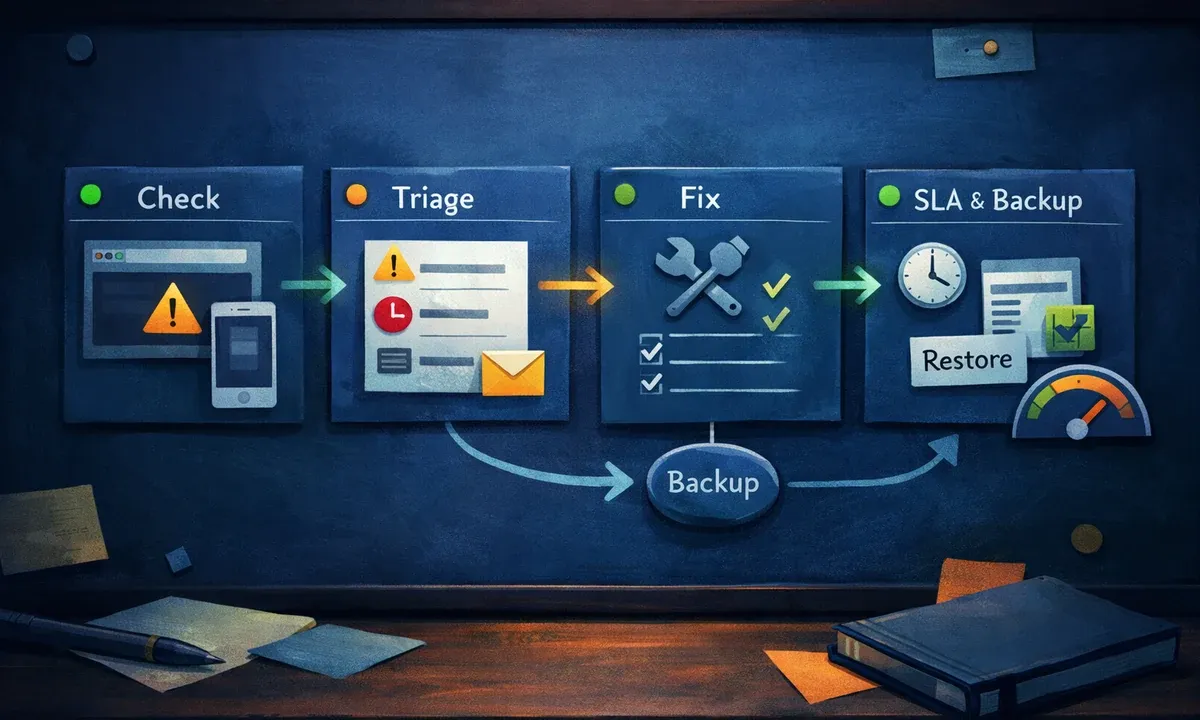
For business-relevant websites, WordPress staging is the better testing area: changes are tested there before they become visible on the live website. Monitoring then handles the follow-up check on the production website. This sequence reduces risk significantly:
- Plan the change and assess risk.
- Check backup and restore path.
- Test the change in staging.
- Check central functions.
- Go live.
- Evaluate monitoring and visual checks after go-live.
A WordPress backup remains the fallback option, but it does not replace observation. If nobody notices that an inquiry function has been broken for three days, even a backup only helps to a limited extent. Monitoring shortens the time between error and response.
Which alerts really have priority
A common mistake is treating all alerts the same. This creates alert fatigue: many hints are ignored until a critical message is missed. A simple prioritization is better.
Critical: website unavailable, checkout broken, contact form not delivering, suspected malware, expired SSL certificate, database error, login completely blocked.
Important: clear performance drop, many 404 errors after a relaunch, individual form validation broken, recurring PHP errors, outdated security-relevant components.
Observe: smaller Core Web Vitals fluctuations, individual broken old links, plugin notices without acute risk, editorial maintenance items.
This classification helps plan responses. Not every notice requires an immediate interruption. But every critical alert needs responsibility, a communication path and a decision about whether WordPress support or a maintenance window is needed.
A pragmatic monitoring plan for SMEs
For many companies, a clear basic plan is enough, and it can grow with the importance of the website. The plan should be documented so that substitutes, agencies or IT providers do not have to guess.
Check weekly or continuously:
- availability of important pages
- SSL status and redirects
- form delivery with test data
- open WordPress, plugin and theme updates
- obvious frontend errors
Check monthly:
- backup runs and restore path
- Site Health and technical baseline notices
- performance of the most important page types
- 404 errors and broken links
- unused plugins, themes and user accounts
Check after changes:
- contact form, navigation and mobile display
- cache, consent banner and tracking basics
- central pages affected by theme or plugin changes
- error messages in backend, server logs or browser console
The plan is deliberately pragmatic. It is not meant to cover every specialist metric, but to make the most important outage and quality risks visible. For shops, portals and critical websites, response times, escalation paths, staging, versioning and SLA rules are added.
Conclusion: WordPress monitoring makes operations more reliable
WordPress monitoring is not an extra reserved for large corporations. Even simple company websites benefit when availability, forms, updates, backups and performance are observed in a structured way. The more strongly a website supports inquiries, sales, recruiting or service, the more important this operational view becomes.
The practical benefit lies in the combination: updates become more controlled, errors become visible earlier, responsibilities become clearer and decisions are documented better. This makes monitoring a fixed part of professional WordPress maintenance rather than a loose collection of technical tools.
If the website has already grown, uses many plugins or is business-critical for inquiries, monitoring should not be planned in isolation. A technical inventory followed by a maintenance model is more useful: Which signals are critical, who responds and which processes prevent small errors from becoming a real outage?

