Bajorat Media
Social media recruiting: how to reach candidates who aren't job hunting
How companies use social media recruiting on Facebook, Instagram and LinkedIn to reach passive candidates, and what has to happen after the click.
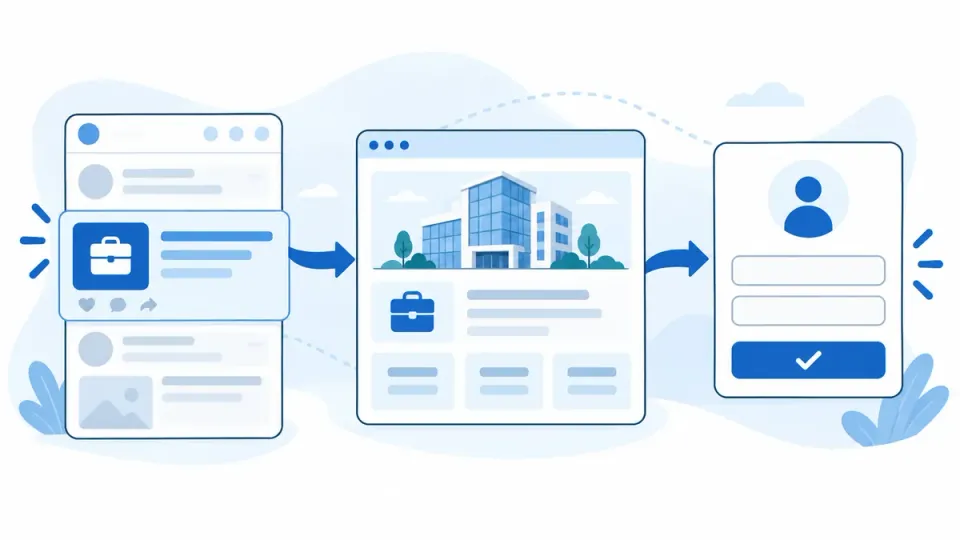
Social media recruiting means promoting open roles on networks like Facebook, Instagram and LinkedIn, mostly through paid ads that reach people in a specific area or with a specific professional background. Its biggest advantage is reach beyond job boards: you get in front of skilled people who are not looking for a new job right now. Whether that turns into applications depends on what happens after the click.
This guide walks through a social media recruiting setup built for passive candidates: a reason to switch, a page that delivers on it, a campaign that reaches the right people and an application process your team can actually keep up with.
What social media recruiting covers
“Social recruiting” is used for several different activities. They reach different people and take different kinds of work:
| Approach | Who you reach | Who does the work | Typical use |
|---|---|---|---|
| Paid social ads | People in a location or with certain interests, including those not job hunting | Marketing team or agency, with feedback from HR | Skilled trades, healthcare, logistics, hourly and frontline roles, several openings at once |
| Organic posts | Your followers and their networks | Marketing, employees, leadership | Showing day-to-day work and building an employer brand over time |
| Direct sourcing | Individual profiles, mostly on LinkedIn | Recruiters reaching out one by one | Rare specialists and leadership roles |
| Job boards | People who are actively searching | HR | Roles with many active job seekers |
This guide focuses on the first approach: ads on social networks that lead to a dedicated page and a short application. Organic posts support it, and direct sourcing is a separate craft for your recruiting team.
Active job seekers vs. passive candidates
On job boards, you meet people who have already decided to make a change. They compare offers, read postings closely and will put up with a longer application.
Many strong candidates never show up there. They have a job, they’re reasonably satisfied, and they would move for an offer that fits their life noticeably better: a shorter commute, predictable shifts, a manager who listens. They scroll through Instagram in the evening, not through Indeed.
That changes how you approach them:
- The ad has to give a reason, not just a job title. A title alone won’t stop anyone from scrolling.
- The first step has to be small. Someone who isn’t looking won’t write a cover letter.
- Your response has to be fast. Interest from a feed fades quickly because nobody is under pressure to switch.
Step 1: Define your reason to switch
A perks list with free snacks and “a great culture” won’t convince someone who is reasonably happy elsewhere. What gets people to move is a clear difference from their current job that they understand at a glance.
The quickest way to find that difference is to ask the people who already work for you:
- Why did you join us?
- What’s different here compared with your last employer?
- What would make you leave?
- What would you tell a friend about this job?
From the answers, write three to five core messages per role. Strong messages are specific and verifiable, such as “Schedules are posted four weeks in advance” or “Service calls within 50 miles, home every night.” Weak messages could come from any company: “exciting challenges,” “competitive pay.”
This is the practical side of an employer brand strategy. The same messages feed your ads, your career page and your job description, so all three tell the same story.
Step 2: Send the click to a focused career page
A social ad only starts the conversation. Someone who taps it wants to know within seconds whether it’s worth reading on. Never send that traffic to your homepage, a general job list or a PDF. Use a page built around this role and this reason to switch.
On a phone, the page should answer right away:
- What is the job, where is it and what are the hours?
- What makes working here different? Put your core messages at the top.
- Who would I work with? Real photos and short quotes from the team beat stock images.
- What happens next, and how long does applying take?
Page speed matters more than most teams expect. People who tap through from an app and wait several seconds go back to their feed. For the full structure of a career page, including job details, Google for Jobs and tracking, see our guide on creating a career page.
If you hire regularly or across several locations, a dedicated career site that brings together jobs, employer profile and application flow pays off. Our work for Amadeus Fire is an example of a career website connected to the systems behind it.
Step 3: Plan your campaigns
Choose platforms by role and location
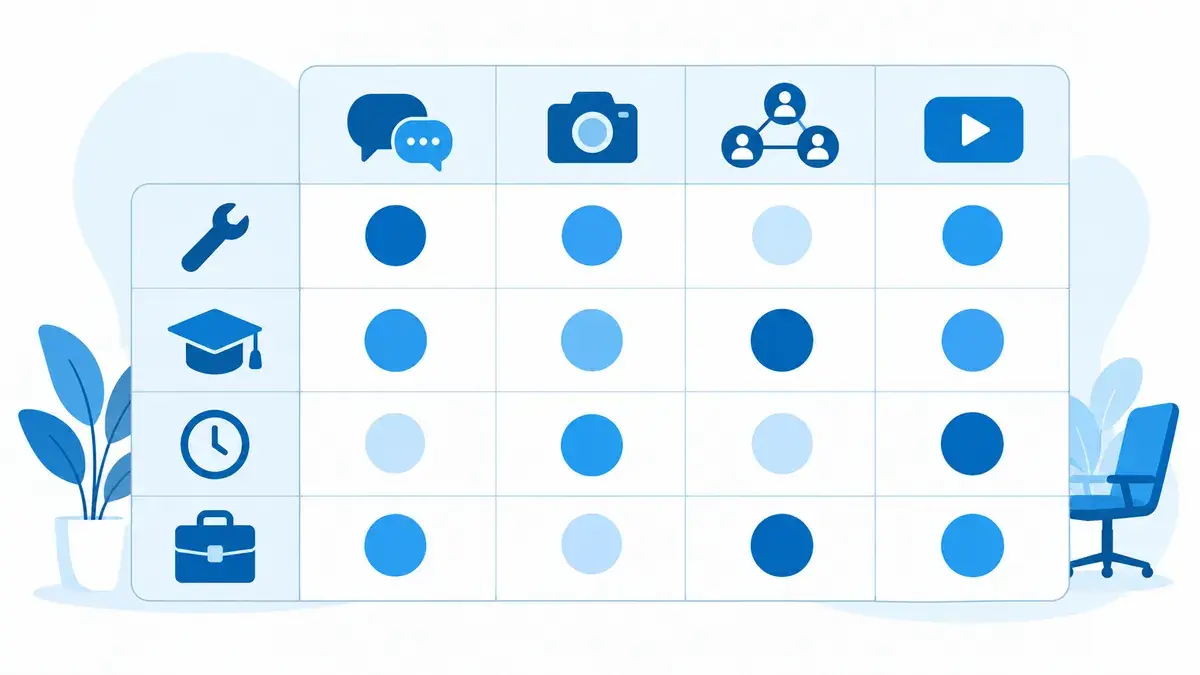
Not every platform fits every role. What matters is where your candidates spend time and how precisely you can reach them there.
| Platform | Strengths | Often a good fit for |
|---|---|---|
| Facebook and Instagram | Broad reach across age groups, local delivery, strong video and image formats | Skilled trades, healthcare, logistics, manufacturing, hourly and frontline roles, administrative jobs |
| Job titles, industries and experience on profiles; a professional context | Office and knowledge roles, IT, sales, management | |
| TikTok | Large reach among younger audiences, short day-in-the-life videos | Entry-level roles, apprenticeships, jobs that are easy to show on video |
For most small and mid-sized employers, Facebook and Instagram do the heavy lifting because they reach people who don’t keep a polished professional profile. LinkedIn adds value for office and specialist roles. TikTok can work for younger audiences, but only with videos made by and with your employees; a re-cut commercial stands out immediately.
Ad formats that work
Three formats tend to perform well:
- A short video with an employee explaining in twenty seconds what the job is really like.
- An image or carousel with your core messages, one message per card.
- A direct question in the ad copy that meets people in their situation, such as “Tired of a 45-minute commute?”
Run several versions at the start. Which message works shows up in applications, not in likes.
Targeting rules for employment ads
Meta treats job ads as a special ad category. Advertisers reaching the US, Canada or Europe must declare employment ads, and targeting is then restricted: age is fixed at 18 to 65+, gender and ZIP codes can’t be selected, and in the US and Canada locations must cover at least a 15-mile radius. Meta’s Special Ad Categories documentation lists the current rules.
These limits exist to prevent discrimination in hiring, and they shape your approach. Your audience is defined less by targeting settings than by the ad itself. A message that only makes sense to licensed electricians who are tired of night shifts filters better than any setting in Ads Manager. Keep your ad copy and job descriptions aligned with equal employment opportunity requirements as well.
Budget and timeline
There’s no honest fixed price. Costs depend on how many people with the profile you need live in your area, how actively other employers advertise there and how well your ad and page work together. Treat the first weeks as a learning phase. A campaign stopped after one week without applications usually hasn’t produced a reliable result yet.
Step 4: A two-minute application
Passive candidates rarely have an up-to-date resume at hand. If applying requires a cover letter, references and an account in an applicant portal, most of them drop out at exactly that point.
A short application asks only for what the first conversation needs:
- name and phone number or email address
- two or three screening questions with answer options, such as certifications, driver’s license or shift availability
- an optional resume upload, clearly marked as optional
- a note on when and how you’ll get back to them
Show a clear confirmation after submission, on screen and by email. It’s the first impression of how your company treats people.
Platforms offer instant forms that are filled out inside the app. They lower the barrier even further but often produce less considered applications. Many employers do better keeping the application on their own page, where candidates have already learned more about the job.
Step 5: Fast handoff to your hiring team
Even a strong campaign fails if applications sit in a shared inbox. Before launch, decide:
- Who receives which applications, and who covers during vacations?
- How quickly will someone reach out? For social media applicants, a few business days is a good benchmark.
- Where do applications live, and can you see which campaign each one came from?
If you already use an applicant tracking system, the short application should land there directly, tagged with role and source. Routine steps such as confirmations, internal notifications and interview scheduling can be automated so your team spends its time on conversations.
For companies without an applicant tracking system, we built our own recruiting software, TalentPulse. It connects career website, job management and incoming applications. With the full-service package, TalentPulse Pipeline, we also handle setup, the career website, employer positioning and ongoing recruiting campaigns.
Measure cost per qualified applicant, not clicks
Reach, click-through rate and cost per click say little about whether a campaign brings in people you’d hire. What counts is how many qualified applications you get and what each one costs.
To see that, every application needs three data points: source (platform and campaign), role and status. Pass the source with UTM parameters; get the status from your hiring team. Was the person invited to interview? Hired?
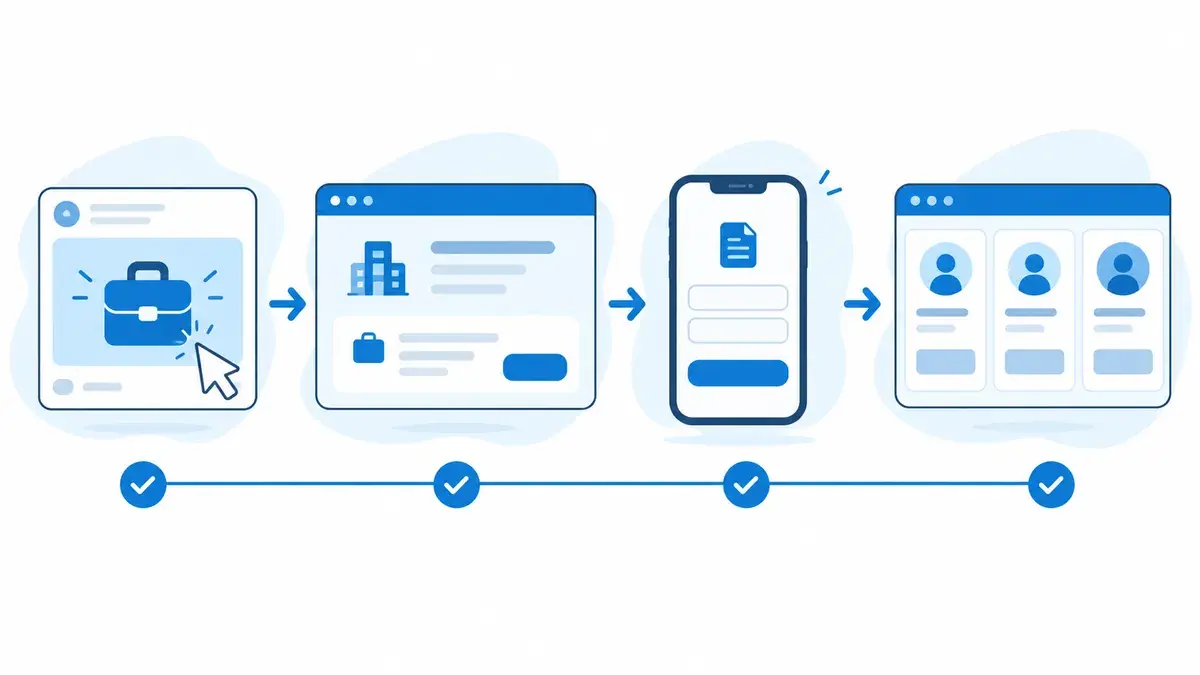
That feedback is your most important lever. An ad that drives many applications but no interviews has the wrong message. An ad with fewer but better applicants deserves more budget. Without a link between campaign tracking and your hiring team, you end up optimizing for clicks.
Common mistakes
- Running the job posting as an ad. Requirement lists are written for people who are already searching. A feed needs a reason to switch.
- Sending ad traffic to the homepage. People who have to find the career section and then the job are gone.
- Asking too much in the form. Every field the first conversation doesn’t need costs you applicants.
- Leaving HR out of the loop. Without quality feedback, the campaign optimizes for volume.
- Stopping after two weeks. Delivery and messaging need time to settle.
- Letting applications sit. A reply after three weeks misses many people; by then they’ve forgotten they applied.
When social media recruiting pays off
| Situation | Assessment |
|---|---|
| Skilled or hourly roles in a defined area, few applicants from job boards | Strong fit, with Facebook and Instagram at the core |
| Several open roles or ongoing hiring needs | Good fit; a dedicated career site pays off faster |
| Entry-level roles and young audiences | Good fit with Instagram and possibly TikTok, using content from your team |
| A single specialist or executive role in a very small market | Supporting role at best; direct sourcing or a search firm often works better |
| No capacity to respond to applicants quickly | Fix the process first, then launch |
Conclusion
Social media recruiting puts your openings in front of people who would never have searched for you. Whether that leads to hires depends on everything behind the ad: a reason to switch your audience understands, a page that delivers on it, an application that takes two minutes and a team that responds quickly. Once that path is in place, launching campaigns for additional roles takes far less effort.
If you’d rather not source the career website, application flow and campaigns separately, our recruitment marketing services show how we handle social media recruiting for growing companies.