
Bajorat Media
Website planning: plan structure and user guidance before design
How companies use website planning to align content, navigation, user guidance, SEO and inquiries before design starts.

Many website projects move into layouts, colors and sample pages too quickly. That is understandable: visible design makes decisions tangible. Still, the most important decisions happen earlier, during website planning. This is where the team clarifies which audiences the site should reach, which content is actually needed, how users should move through the website and which inquiries or purchases should result from that journey.
Good website planning does more than reduce design revisions. It also prevents navigation, content, SEO and conversion logic from being stitched together only after launch. This preparation is especially important before a website relaunch, because existing rankings, old content, internal links and user expectations are already in place.
What website planning means in practice
Website planning is the strategic and structural work that happens before design and development become binding. It does not only answer what a website should look like. It answers what role the website has to play for the company.
Typical planning topics include:
- Audiences, use situations and the most important questions.
- Offer structure, service logic and priorities.
- Page structure, navigation and internal linking.
- Content needs for the homepage, service pages, guides, case studies and contact paths.
- Conversion goals such as inquiries, appointments, purchases, downloads or applications.
- Technical requirements for tracking, privacy, accessibility and editorial workflows.
These points work together. A strong service page, for example, needs more than good copy. It also needs clear entry points from navigation, search results, campaigns and internal links. In its SEO Starter Guide, Google explains that a logically organized website helps users and search engines understand how pages relate to one another. For companies, that means structure is not an SEO detail added later. It is part of the concept.
Website planning starts with goals and decisions
The first step should not be a full page list. It should be a clear target picture. A website can inform, build trust, reach potential employees, generate leads, reduce support requests or sell products. If all goals are treated as equally important, the website quickly becomes unclear.
A simple prioritization helps:
| Question | Example decision |
|---|---|
| Which inquiries are commercially most valuable? | Guide project inquiries more clearly than general short questions. |
| Which audiences need their own paths? | Do not send management, specialist teams and applicants through the same story. |
| Which content needs to build trust? | References, process, team, technical depth or cost orientation. |
| Which pages carry search visibility? | Plan service pages, guides and FAQ content around clear search intent. |
| Which content can be removed? | Merge outdated, duplicated or internally focused pages. |
These decisions can be uncomfortable, but they are valuable. They prevent the homepage from becoming a collection of every internal wish and stop subpages from turning into compromises.
Understand audiences as tasks, not only as personas
Personas can help when they are concrete. In many projects, however, they remain too broad: “mid-sized decision maker, digitally interested, little time.” For website planning, it is often more useful to understand the task a person is trying to complete.
Typical tasks include:
- “I want to check whether this agency understands my problem.”
- “I am looking for a specific service and want to know whether it fits my need.”
- “I need to explain internally why a relaunch is necessary.”
- “I want to understand how a project works and what preparation is expected.”
- “I am comparing several providers and need confidence in expertise and reliability.”
These tasks lead to better user guidance. A service page can then be structured differently from a blog article, a contact page or a references section. Anyone working on user experience should therefore not only draw click paths, but collect real decision questions.
Information architecture: the website has to be organized from the user’s perspective
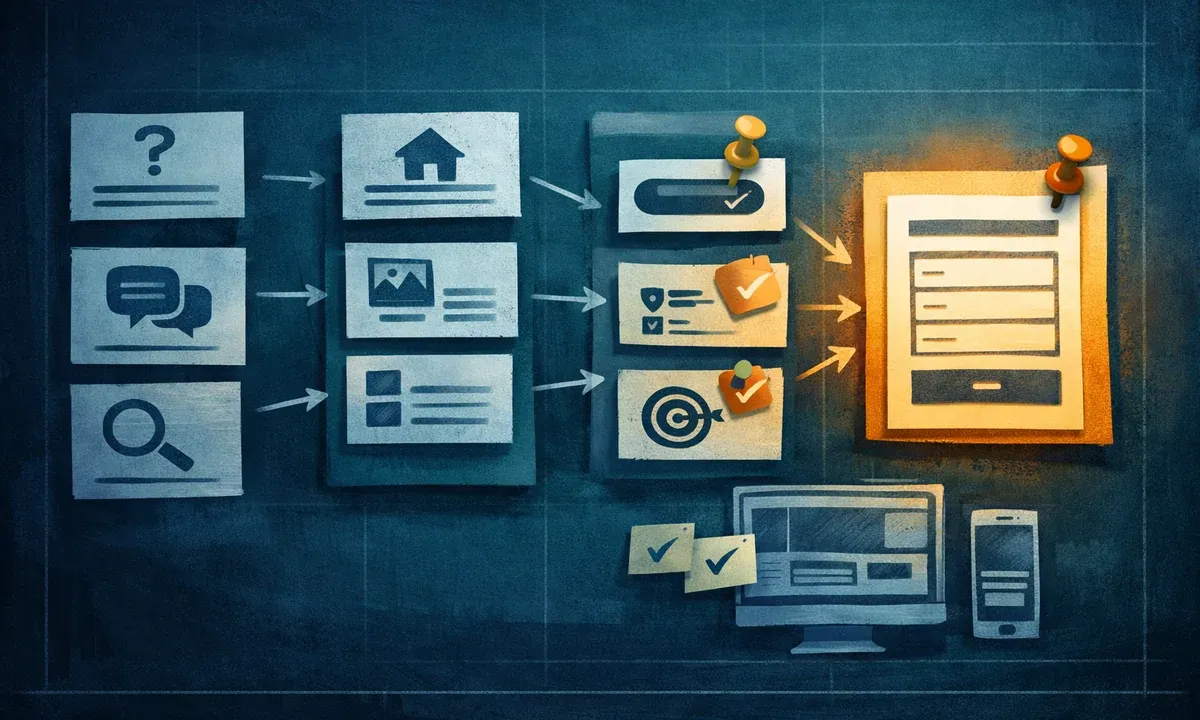
A common weakness of grown websites is navigation that mirrors internal company structure. Visitors usually do not care which department owns a topic. They want to understand which offer solves their problem, what experience is available and what the next step looks like.
A reliable information architecture separates three levels:
- Main navigation: a few stable entry points into the most important areas.
- Page structure: clear parent-child relationships between overview pages, detail pages and deeper resources.
- Context links: editorial connections between related content.
For Bajorat Media, the separation between Online Marketing, Search Engine Optimization and Webdesign & Conception is a good example. These areas are related, but they serve different search and decision intents. A blog article about content audits can point to SEO and relaunch topics without becoming a service page itself.
For larger relaunches, a content audit is often useful before the new site structure is finalized. It shows which content already works, which pages should be merged and which topics are missing.
SEO belongs in planning early, but not as a keyword template
SEO during website planning does not mean starting every page with a keyword and then filling text blocks around it. It means connecting search intent, page purpose and user questions. Google recommends creating helpful content for people rather than search engines first and provides concrete review questions: Would the intended audience find the content useful? Does it provide enough depth? Does it help users achieve a goal? For company websites, this is more practical than mechanical keyword density.
For every important page, website planning should answer at least these questions:
- Which search queries truly fit this page?
- Which user question does the page answer better than existing content?
- Which terms should naturally appear in the title, URL, introduction and headings?
- Which internal links show users and search engines the role of the page?
- Which content should be noindexed, merged or redirected?
The URL structure should also be decided early. In its URL structure best practices, Google recommends understandable, logically structured URLs with words that match the audience’s language. This is especially important when old paths change during a relaunch. Mistakes in redirects, canonicals or indexing can cost visibility, as the article on SEO mistakes during a relaunch explains.
Content modules make pages easier to plan
Website planning becomes more concrete when pages are not only listed as titles in a sitemap, but described as modules. A service page, for example, might include the problem, target outcome, service components, process, proof, FAQ and contact trigger. A career page needs an employer profile, roles, application path, culture proof and clear application options.
Such modules help in three ways:
- Editorial work becomes clearer because the needed content is defined.
- Design can create suitable patterns instead of arbitrary sections.
- Development can plan reusable components.
This prevents every subpage from becoming a special case. At the same time, content stays flexible enough to reflect different offers, audiences and search intents.
Contact paths and conversion should not wait until the end
Many websites have contact buttons, but no clear contact logic. Visitors are asked to “get in touch” even though it is unclear whether they need a project inquiry, support, consulting, an application route or a general question. The result is vague inquiries and unnecessary clarification.
Planning should therefore answer these questions early:
- Which types of contact exist?
- Which fields are needed for a qualified inquiry?
- Where is a short entry enough?
- When are additional details about budget, timeline, upload or topic useful?
- Which trust elements should be visible before the form?
For services that require explanation, the path to the inquiry is part of user guidance. A good customer journey does not end with a button. It ends with a contact moment that fits the user’s decision situation.
Include accessibility, privacy and tracking in the concept
Planning is also the right time to collect requirements that can become expensive if they are forgotten. This includes accessible forms, keyboard operation, clear error messages, meaningful heading structure, consent logic, tracking goals and technical performance.
If these topics are checked only after design, problems often appear in components that already feel finished. It is better to include key requirements directly in page types and modules. A contact form then needs more than fields. It also needs error messages, privacy information, spam protection, tracking events and mobile states. For accessibility, this is especially important because structure, content and technology work closely together.
Practical checklist for website planning
Before design and implementation start, a concept should answer at least these points:
- What business goals does the website support?
- Which audiences or use situations matter most?
- Which existing content stays, disappears or gets merged?
- Which pages are SEO-relevant and which pages only support the journey?
- Which main navigation is understandable from the user’s perspective?
- Which page types and content modules are needed?
- Which internal links connect important topics?
- Which contact and conversion goals exist?
- Which technical requirements need to be part of the project?
- Which content, images, proof points and decisions are missing before design starts?
This list does not replace an individual concept, but it makes visible whether a project is ready for decisions or still based on assumptions.
Conclusion: good website planning reduces friction later
Website planning is not a theoretical project step. It decides whether web design, content, SEO, tracking and contact paths work together later or merely exist next to each other. Teams that clarify goals, user questions, page structure and content early reach better layout decisions faster and avoid expensive corrections after launch.
For companies, the most important effect is this: the website is not built from the perspective of internal responsibilities, but from the perspective of people who need to make a decision. That is the difference between a good-looking website and a website that creates inquiries, trust and orientation in daily use.

