
Suitable for beginners
The course starts with fundamentals and explains terms, interfaces and typical decisions step by step.
Solutions
Overview of our services
WordPress Course
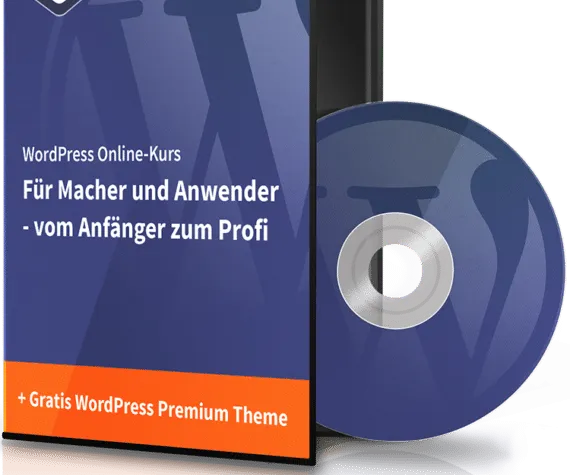
A comprehensive online course for makers and users: from WordPress fundamentals, installation, backend, themes, plugins and SEO basics to backups, security and building a complete website.
Complete package
The WordPress course was designed as a complete starter package: not a loose collection of tutorials, but a connected introduction to planning, setup, operation and maintenance of a WordPress website.
The course follows a clear path from preparation to finished website: hosting and installation, WordPress backend, themes, plugins, SEO basics, backups and security.
The course starts with fundamentals and explains terms, interfaces and typical decisions step by step.
The lessons follow concrete tasks: install, configure, maintain content, adjust design, use plugins and secure the site.
A full website workflow shows how fundamentals become a complete project.
Trailer
The trailer gives a compact impression of structure, tone and content.
Details
Scope
The course includes more than eleven hours of video material and connects fundamentals with practical implementation.
The logic follows the real setup of a website: technical requirements, WordPress interface, design, extensions, security and maintenance.
Operations
Anyone learning WordPress needs more than publishing content. A website needs useful extensions, clean structure, SEO basics and technical maintenance.
The course gives a practical foundation for website owners, freelancers, bloggers and companies that want to use WordPress deliberately.
