
Bajorat Media
What is a favicon?
A favicon is a small icon that appears in a browser's address bar and bookmarks. Find out more about the meaning and functionality of…
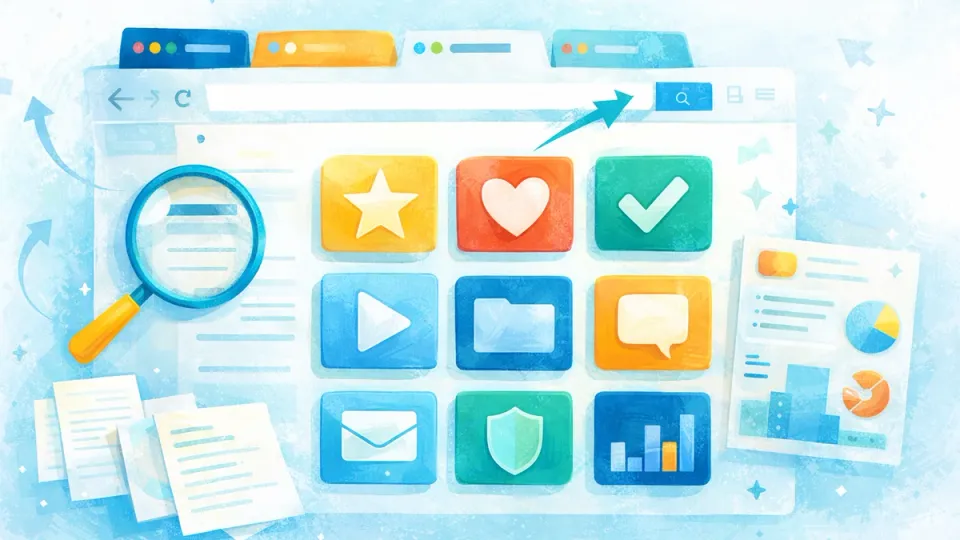
A favicon, short for favorite icon, is a small icon or graphic that appears in a web browser’s address bar and bookmarks to identify a web page. Typical favicons are representative of the logo or theme of the respective website and help users easily recognize them in the list of open tabs or bookmarks. Typically, favicons are square and available in various formats such as ICO, PNG, GIF or JPEG.
How favicons work
The website operator creates a favicon and stores it in the root directory of the website or in the folder for resources such as images and scripts. When the web page loads, the browser retrieves this icon and displays it in the address bar and other relevant areas. The favicon is often inserted in the form of a code snippet into the HTML code of a document, usually in the <head> area of the website. An example of integrating a favicon in HTML code is:
<link rel="icon" type="image/png" href="/favicon-32x32.png" />This code points the browser to the favicon file, in this case a PNG file, located in the root of the webpage.
Importance of Favicons
- Recognition: A well-designed favicon complements a website’s branding and helps users quickly recognize the associated website in a list of bookmarks or open tabs.
- User Experience: By using a favicon, website operators can create a consistent and professional experience for visitors to their website. It shows a certain attention to detail and increases trust in the site.
- SEO Benefits: Although the favicon itself does not have a direct impact on search engine rankings, a user-friendly website that includes a favicon can contribute to a better overall user experience, which can ultimately have a positive impact on rankings.
Creating a favicon
To create a favicon for a web page, an image file (e.g. the logo) can be made into a square format with a resolution of 16x16, 32x32 or 64x64 pixels. There are now also numerous online tools and generators that help create a favicon in different formats and sizes to make it accessible to different browsers and devices.

